Upload Image(s)
Click or drag
Choose ratio
Output format
Your prompt
The Guidance of AI Photo Editor
This is the guide to mastering our AI photo editor. Learn about the advanced multi-image support, aspect ratio control, and how to write prompts like a pro.
How It Works in 3 Simple Steps
Upload Your Base Image(s)
Start with one or more photos. A single image provides a structural base. Multiple images can be used to blend concepts, styles, and subjects.
Choose Your Aspect Ratio
Set the canvas for your creation. The default 'match_input_image' uses your photo's original shape. Or, select standard ratios like 16:9 for wallpapers or 9:16 for social media stories.
Write Prompt & Generate
This is where the magic happens. Tell the AI what you want to create, and our AI will generate several options. Choose your favorite, refine your prompt, and download.
🧩Core Features of the AI Photo Editor

Virtual AI Try-On & Outfit Swap
Upload a photo of yourself and another of an outfit. Our AI photo editor intelligently dresses your image in the new clothes, perfect for virtual fittings or fashion concepts. This is a powerful multi-image feature.

Advanced Style Transfer
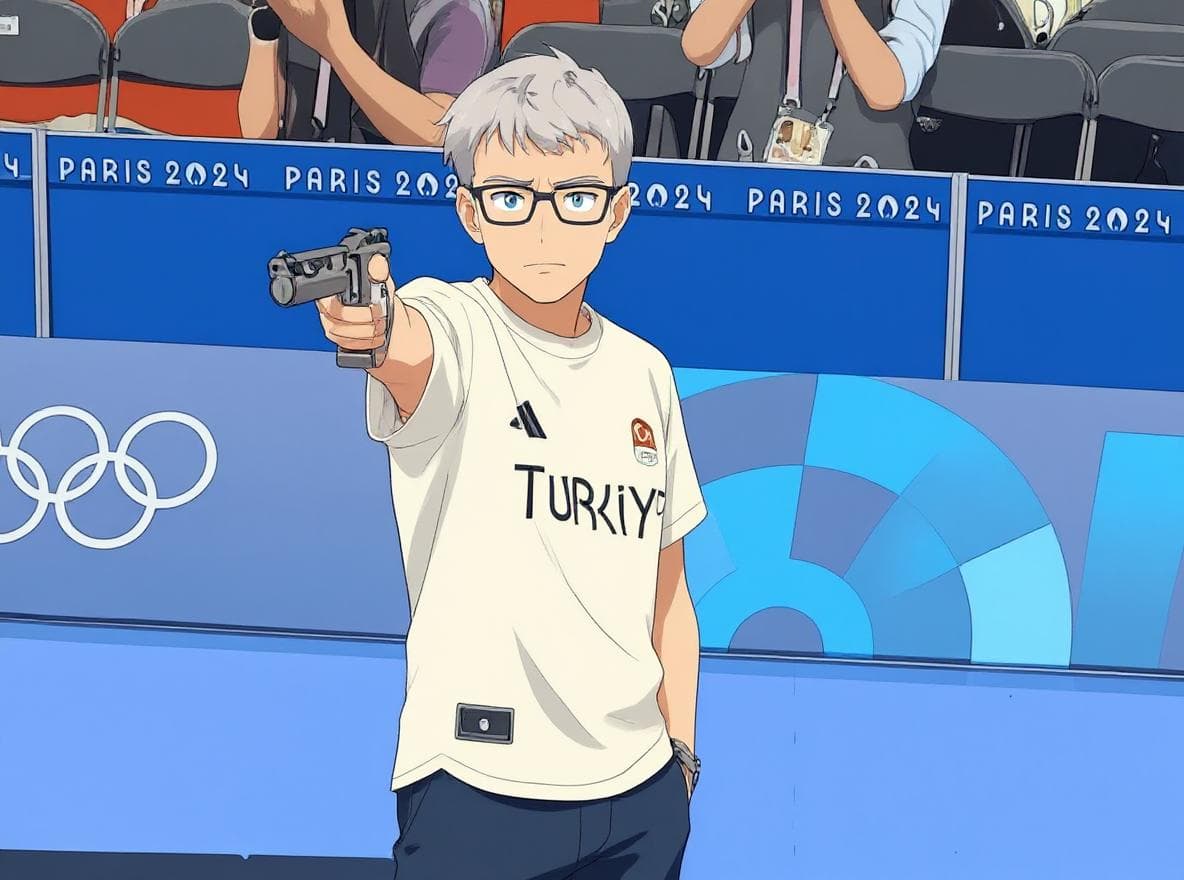
Transform your images into various artistic styles. Convert a real photo into a cartoon, an illustration, or apply a specific artistic aesthetic using our AI photo editor.

Consistent Character & Face Lock
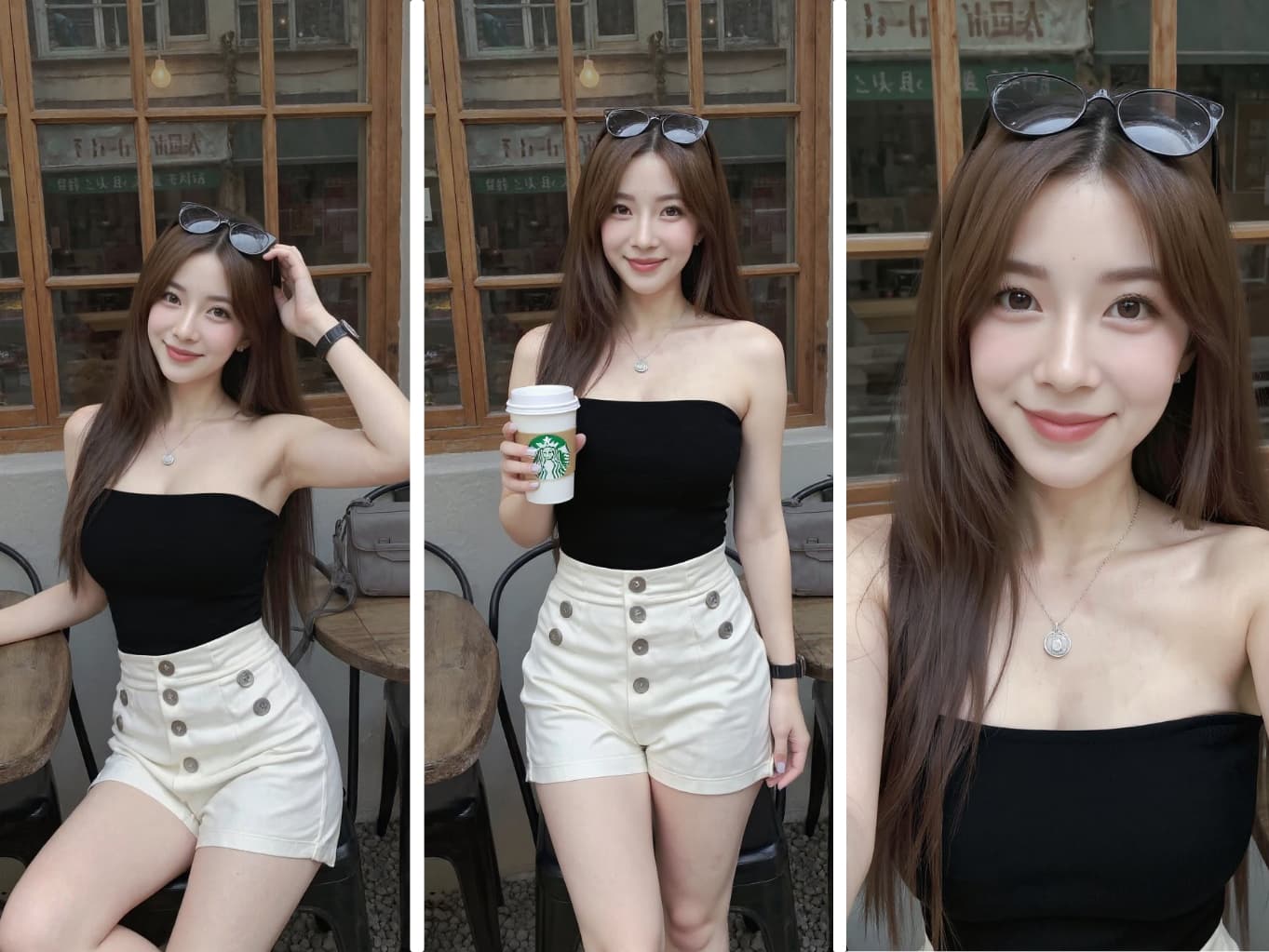
Maintain perfect facial consistency across different images. Our AI photo editor recognizes and locks facial features, allowing you to change poses, outfits, and scenes without losing the character's identity. Ideal for AI influencer creation.

AI Outpainting & Canvas Expansion
Expand your photo's horizons. Our AI photo editor can intelligently 'uncrop' your images, extending the background and scene in any direction to create wider, more dramatic shots.

Product Styling & Scene Generation
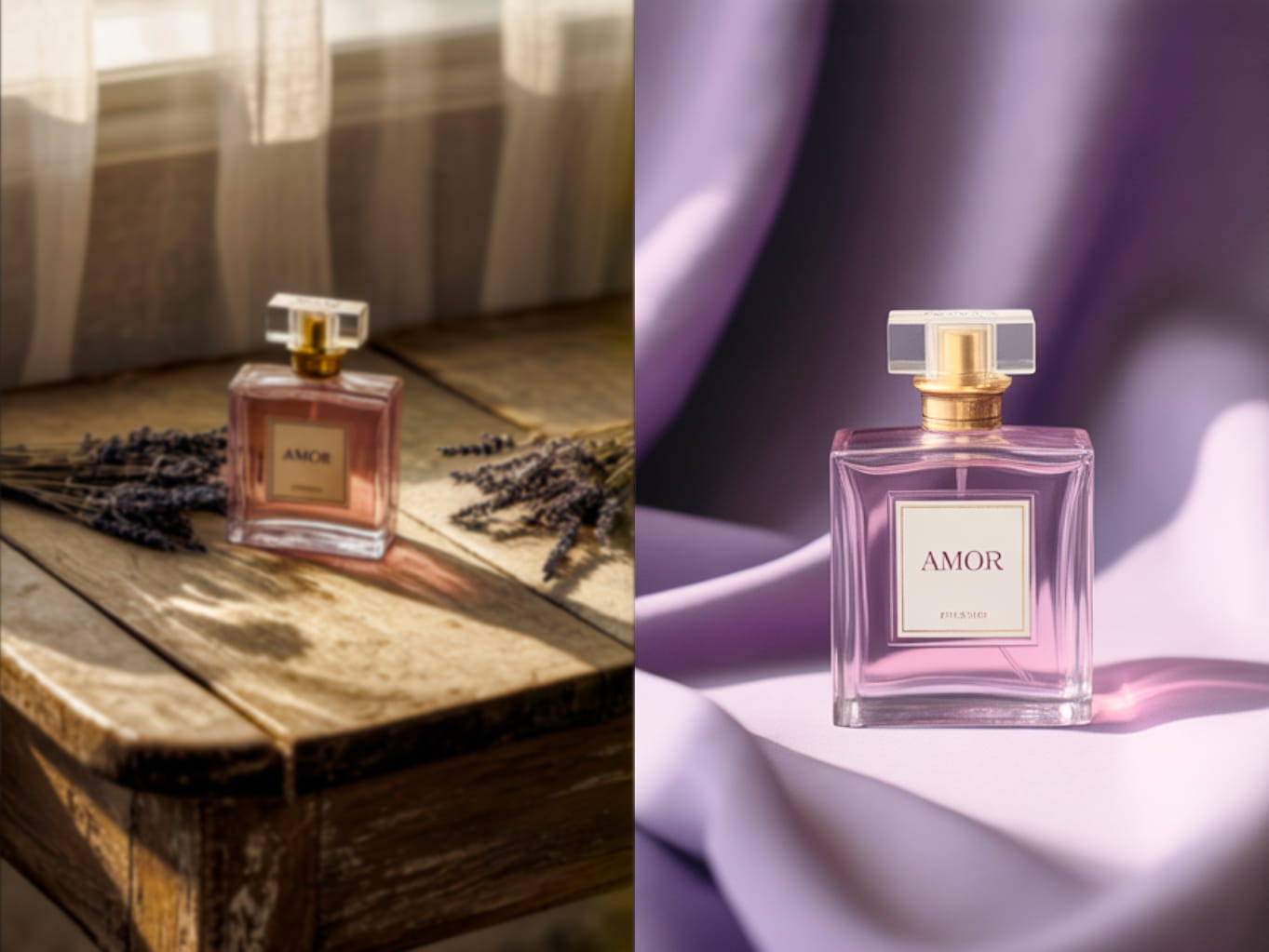
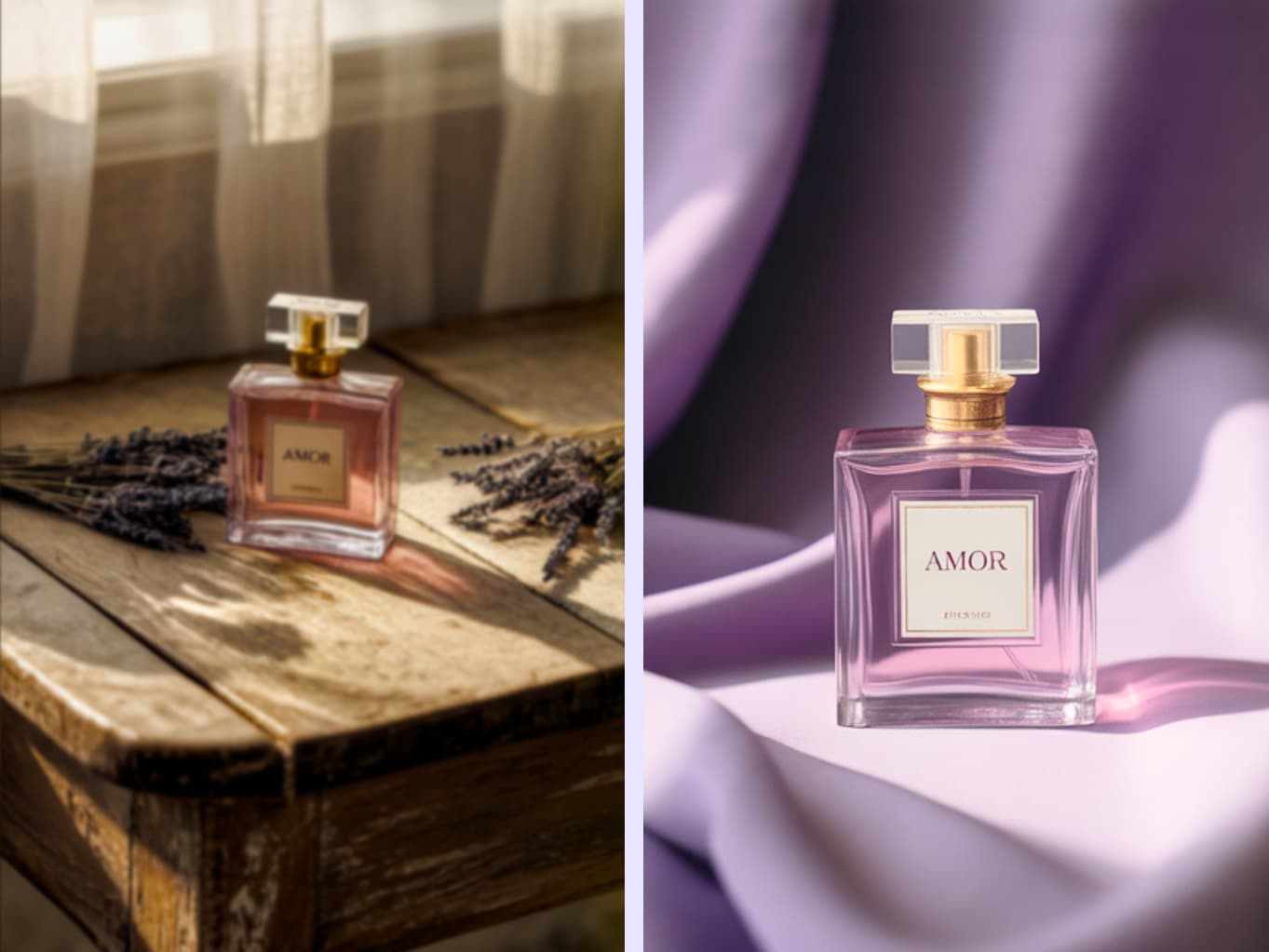
Effortlessly place your product into new, appealing environments. Our AI photo editor can transform simple product shots into stunning, professional-grade marketing visuals by generating new backgrounds and lighting.

Dynamic Background & Scene Replacement
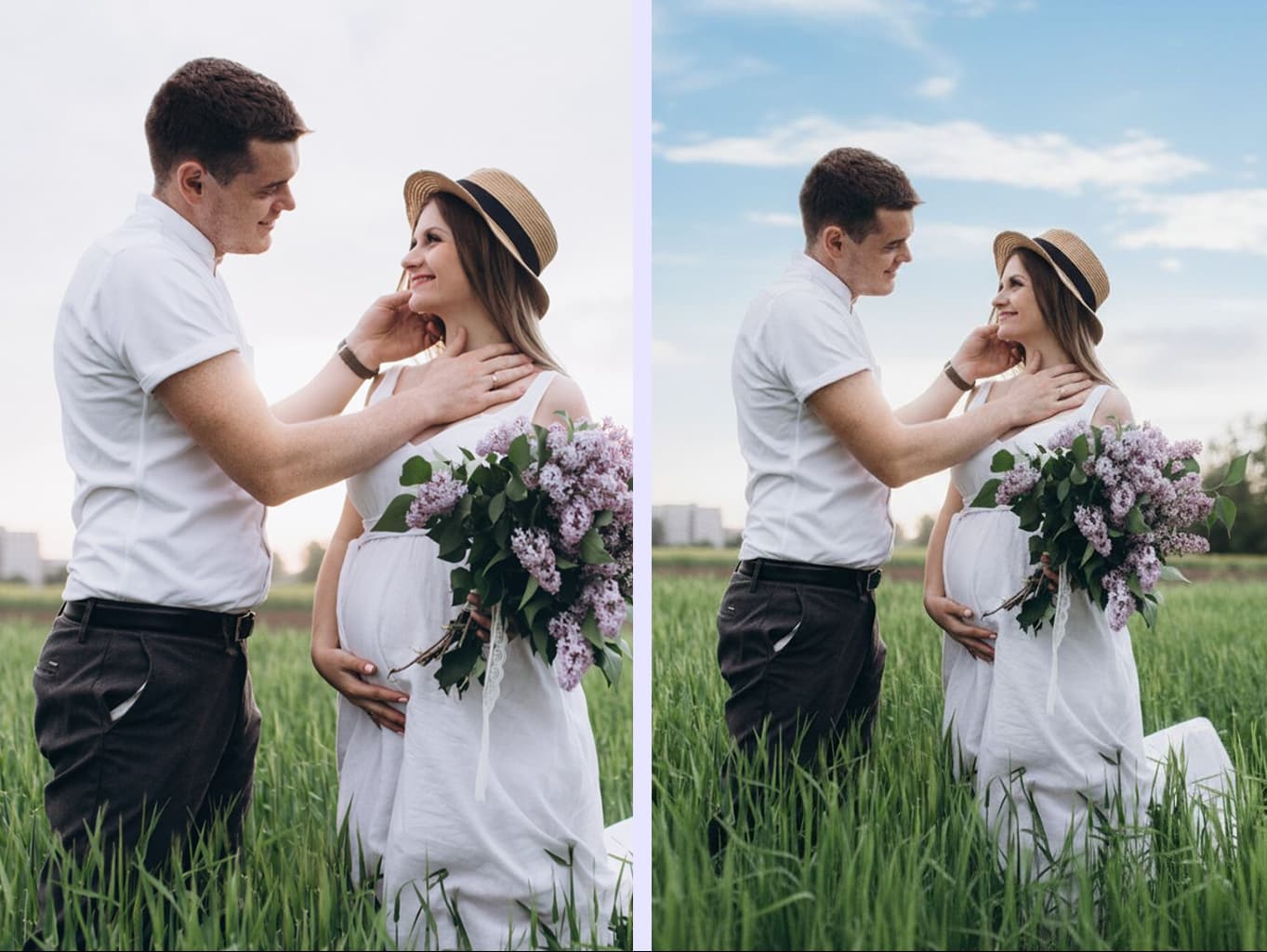
Completely change the setting of your photos. Our AI photo editor allows you to swap out existing backgrounds for entirely new scenes, whether it's a field of flowers, a city skyline, or a fantasy landscape.
Advanced Prompt Engineering: A Deep Dive
Core Concept: Image as Structure, Prompt as Soul
Your uploaded image(s) provide the composition and core shapes. Your prompt provides the creative direction. Master balancing both to achieve pro results.
The Anatomy of a Perfect Prompt
A great prompt is detailed and layered. Think like a film director. Here’s a powerful structure to follow:
1. Subject & Action
Clearly define who or what you're focusing on and what they are doing.
Good: a man
Pro: a wise old wizard with a long white beard, casting a spell
Directing the Shot: Aspect Ratio & Composition
Aspect ratio isn't just a setting; it's a powerful compositional tool. Match your prompt's language to your chosen ratio to create more intentional and dramatic images.
Match Ratio to Purpose
Choose a shape that fits the final use case.
Pro: Use 9:16 for phone wallpapers. Use 1:1 for profile pictures. Use 16:9 for desktop backgrounds.
Let the Ratio Guide Your Prompt
A wide ratio wants a wide prompt. A tall ratio wants a tall prompt.
Good: Prompt: a beautiful landscape. Ratio: 1:1
Pro: Prompt: an epic cinematic wide-shot of a beautiful landscape. Ratio: 16:9
Mastering Multi-Image Prompts
When you upload multiple images, you can reference them in your prompt to assign specific roles. Imagine you upload a portrait (img1) and a space nebula (img2):
Assigning Roles & Blending Styles
Tell the AI how to use each image to create powerful new combinations.
Pro: Use the person from [img1] and place them in the environment of [img2], apply the oil painting style from [img3]
Why Choose Our AI Photo Editor?
Proprietary Image-to-Image Engine
The image to image AI engine on this site is specifically trained for image-to-image tasks, leading to more coherent and higher-quality results than generic models.
Advanced Multi-Image Blending
Go beyond single-photo editing. Our editor allows you to seamlessly blend concepts, styles, and subjects from multiple images, opening up a new frontier of creativity.
Full Creative Control
From multi-image inputs to precise aspect ratio outputs, we provide the professional tools you need to move beyond simple generation and truly direct your creations.
Beginner-Friendly, Expert Results
You don't need to be an expert to get expert results. Our intuitive interface, which supports multiple languages, and deep-dive guidance make it easy for anyone to master AI-generated art.
Frequently Asked Questions about this AI Photo Editor
What is image-to-image AI?+-
Image-to-image AI is an advanced AI photo editor technology that uses your uploaded photo(s) as a structural and compositional blueprint. Unlike text-to-image AIs that start from a blank canvas, our editor transforms your existing images based on your text prompt, giving you incredible control and precision.
Is this AI photo editor free to use?+-
Yes, we provide a free version for you to experience our core technology. For users who require the highest quality and most advanced features, our Pro version utilizes a more powerful and sophisticated AI model to deliver superior, professional-grade results.
What makes this AI photo editor's technology unique?+-
Our editor excels in two key areas: multi-image input and enhanced photo realism. You can upload multiple images to blend characters, backgrounds, or styles seamlessly. Crucially, our AI is finely tuned to preserve and enhance photographic details, yielding superior, realistic results when transforming your existing photos.
Can I keep the same character or face across different images?+-
Yes! This is a core strength of our editor, enabled by our 'Consistent Character & Face Lock' feature. By providing a clear photo of a person as an input image, our AI can 'lock' onto their facial features, allowing you to change their clothing, background, or the entire art style while maintaining their identity.
Who owns the images I create?+-
You do. With our premium plans, you receive a full commercial license for any images you generate, allowing you to use them freely in your business and personal projects.
Is my uploaded data and privacy protected?+-
Absolutely. Your uploaded images are used solely to process your request and are not used for AI training or shared with third parties. They are securely deleted from our servers after a short period.
Is the image to image AI tool free?+-
The editor on this site is a premium tool for professional results. To see its power, please review the examples. If you'd like to try a basic version of our AI, you can visit our free tools section.
What kind of images work best as input?+-
For best results, use clear, well-lit photos. The AI uses your image for structure, so a high-quality photo provides a better blueprint. When using multiple images, you can get creative! Try using a clear portrait for the subject, a scenic photo for the background, and even an artwork for the style. Experimentation is key!
Examples