Click or drag
AI Background Remover – Remove Image Backgrounds & Make Them Transparent
Effortlessly remove background from image and get a clean, transparent background in seconds. Perfect for products, portraits, graphics, and marketing materials.
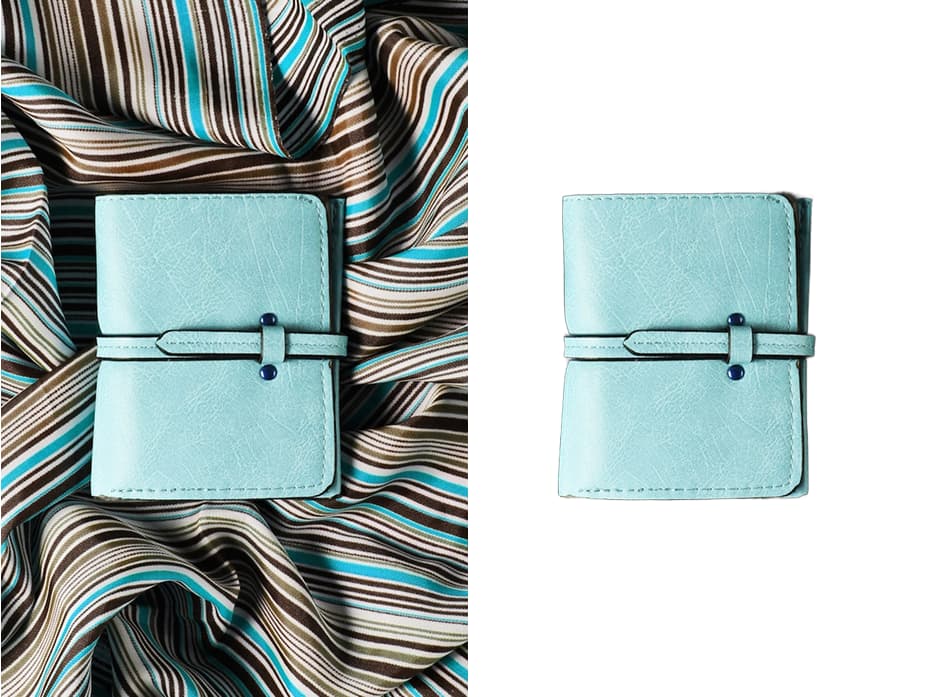
E-Commerce Product Photos
Create clean, uniform product listings for Shopify, Amazon, or any online store. Remove distracting backgrounds to make your products stand out and boost conversions.
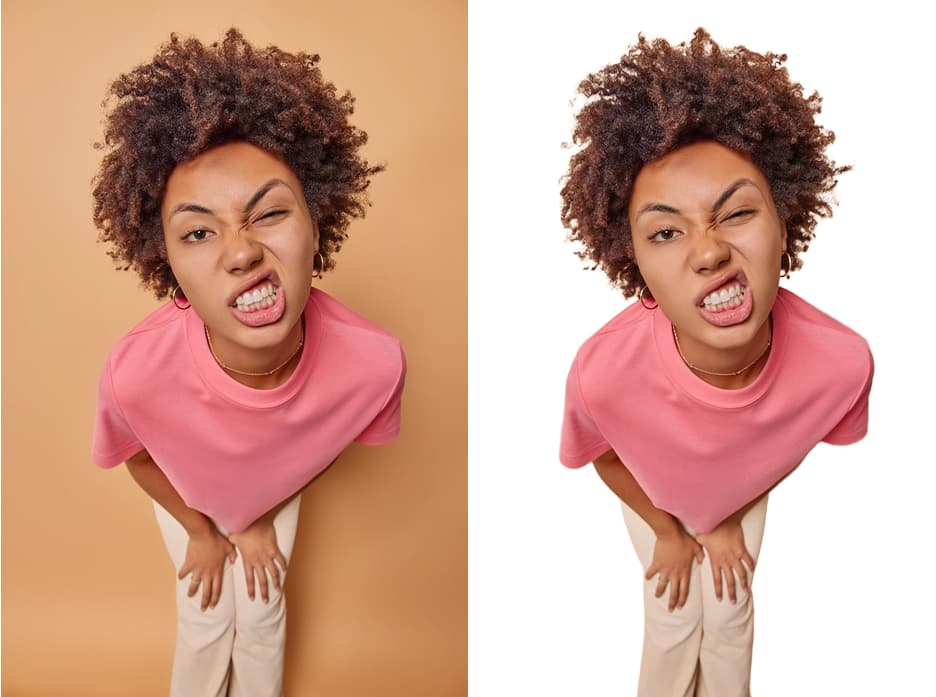
Engaging Social Media Content
Design eye-catching profile pictures, YouTube thumbnails, and Instagram stories. A transparent background lets you place subjects on any color or scene instantly.
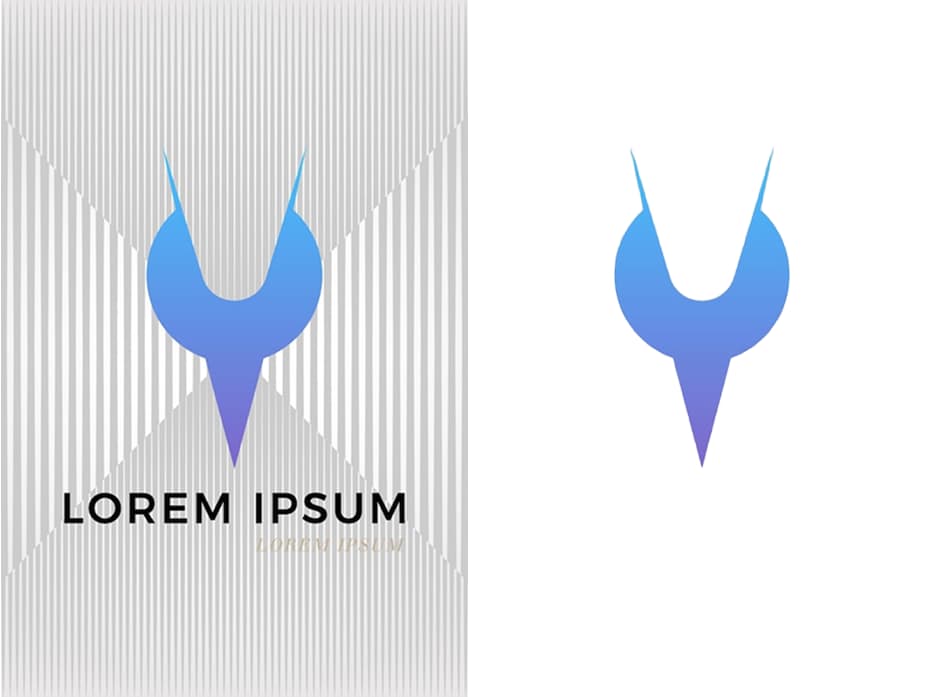
Professional Graphic Design
Quickly isolate people or objects to use in presentations, marketing materials, web design, and collages. Export as transparent PNG for seamless layering.
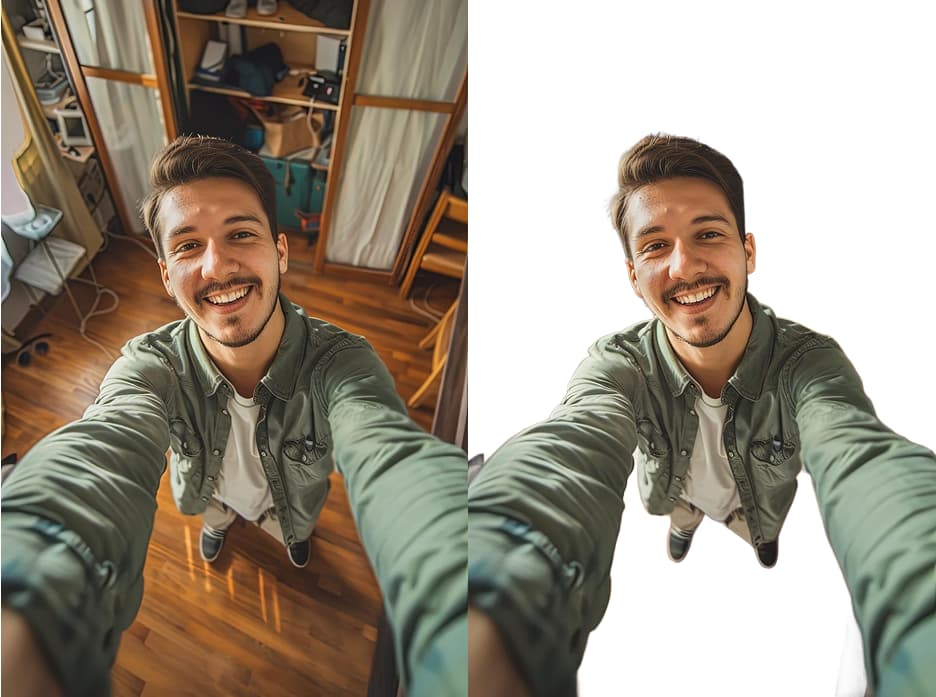
Fun Personal Projects
Make custom stickers, personalized greeting cards, or fun photo manipulations. Remove backgrounds from family photos, pets, and travel shots in one click.
Get Started in 3 Steps
Remove image backgrounds in seconds with our one-click workflow

Upload Your Image
Click the Edit Area to upload a photo or drag and drop directly. JPG, PNG, and WEBP are all supported.

Click Remove
Hit the Remove button and watch our AI automatically detect the subject and erase the background with pixel-perfect precision.
Download Result
Your image with a transparent background appears instantly. Download as high-quality PNG or JPG with a solid color background of your choice.
Pro Tips for Perfect Cutouts
Four techniques to get the cleanest background removal every time
Contrast is Key
Use photos where the subject stands out clearly from the background. High contrast helps our AI perfectly identify edges and avoid blending.
Use High-Resolution Photos
A clear, high-quality image always produces a cleaner, more professional result. Avoid blurry or heavily compressed pictures that lose edge detail.
Ensure Clear, Even Lighting
Good lighting without harsh shadows helps the AI distinguish the subject from surroundings, especially with complex details like hair or fur.
Simple Backgrounds Work Best
While our tool handles complexity, a less cluttered background allows the AI to focus on the main subject for the most accurate removal.
Frequently Asked Questions
Everything you need to know about removing image backgrounds with AI
Explore More AI Image Tools
Powerful image utilities that work seamlessly together
AI Image Generator
Create stunning images from text descriptions alone.
AI Photo Editor
Edit, retouch, and transform existing photos with AI precision.
AI Image Enhancer
Boost clarity, color, and detail in low-quality images.
AI Object Remover
Remove unwanted people, text, glare, or objects in one click.
Image to Video AI
Bring your static images to life with AI-powered motion.
AI Headshot Generator
Create professional portrait photos for LinkedIn and business.