Clicca o trascina
Pulisci le tue foto con un semplice comando di testo
Stanco dei photobomber e degli oggetti fastidiosi che rovinano il tuo scatto perfetto? Il nostro strumento di rimozione oggetti IA ti permette di cancellare elementi indesiderati dalle tue foto semplicemente descrivendoli.
Perfeziona le tue foto per ogni occasione
Six powerful ways to clean up your images
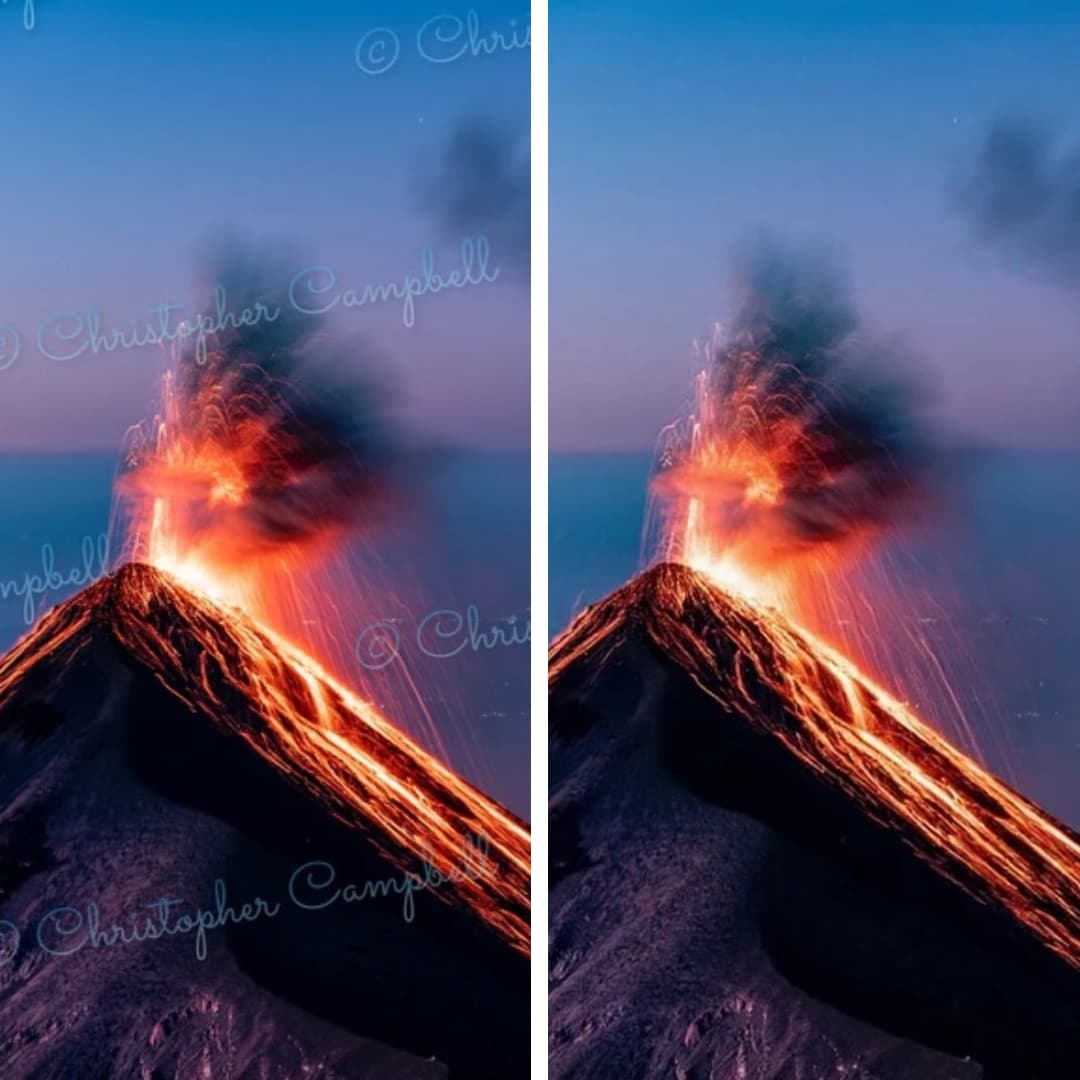
Remove Watermark from Photo
Restore your images to their original state. Seamlessly removes any watermark and reconstructs background details.

Remove Text from Image
Easily erase unwanted captions, dates, logos, or any other text from your images. Perfect for clean visuals.
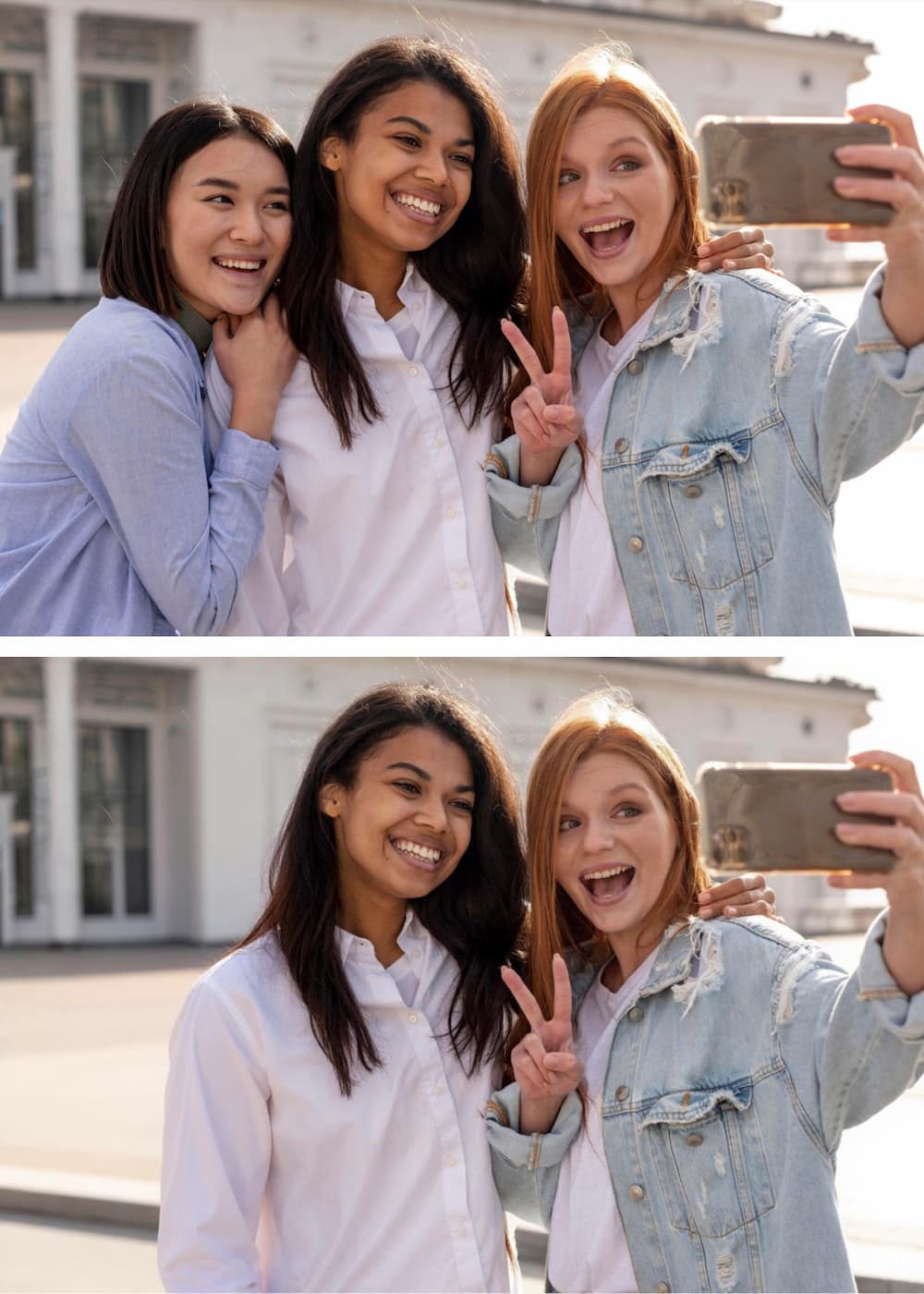
Remove Person from Photo
Get the perfect shot by removing unwanted people. Our AI fills in the background so accurately, it looks like they were never there.
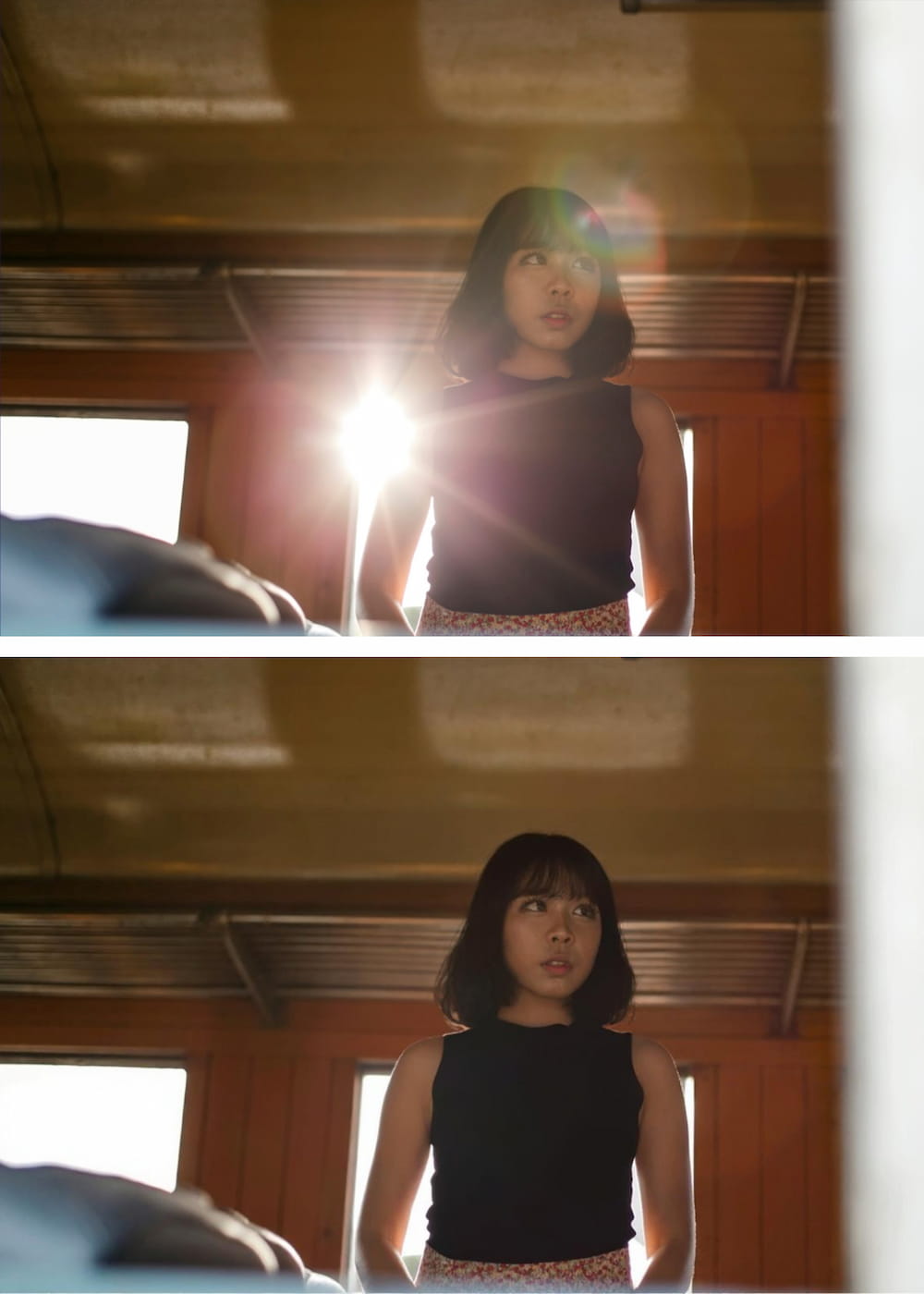
Remove Glare from Photo
Fix photos affected by harsh lighting. Digitally remove or reduce distracting light glares and reflections from glass or metal.
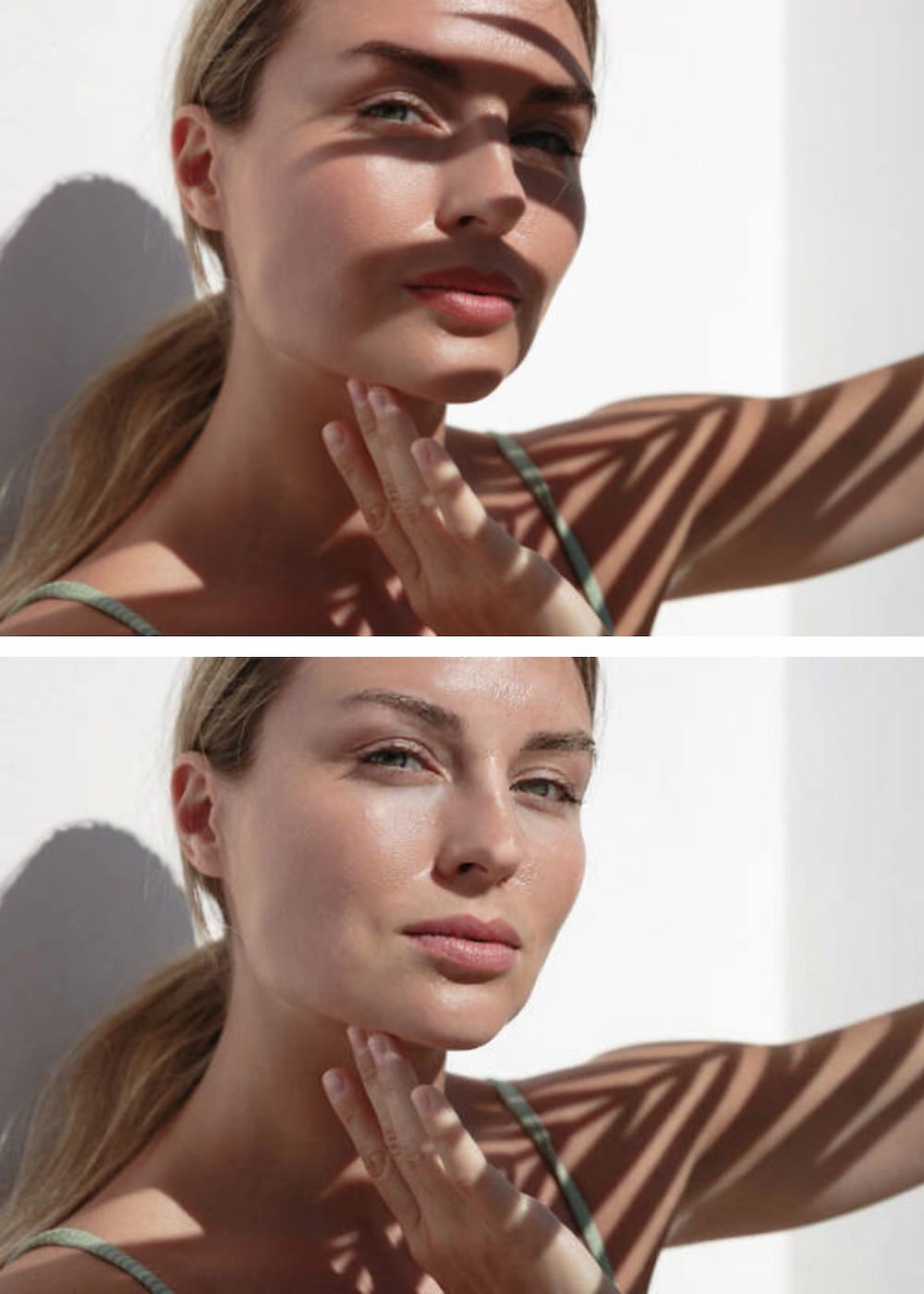
Remove Shadow from Photo
Correct unflattering or distracting shadows from subjects or backgrounds. AI analyzes lighting for a balanced, natural look.
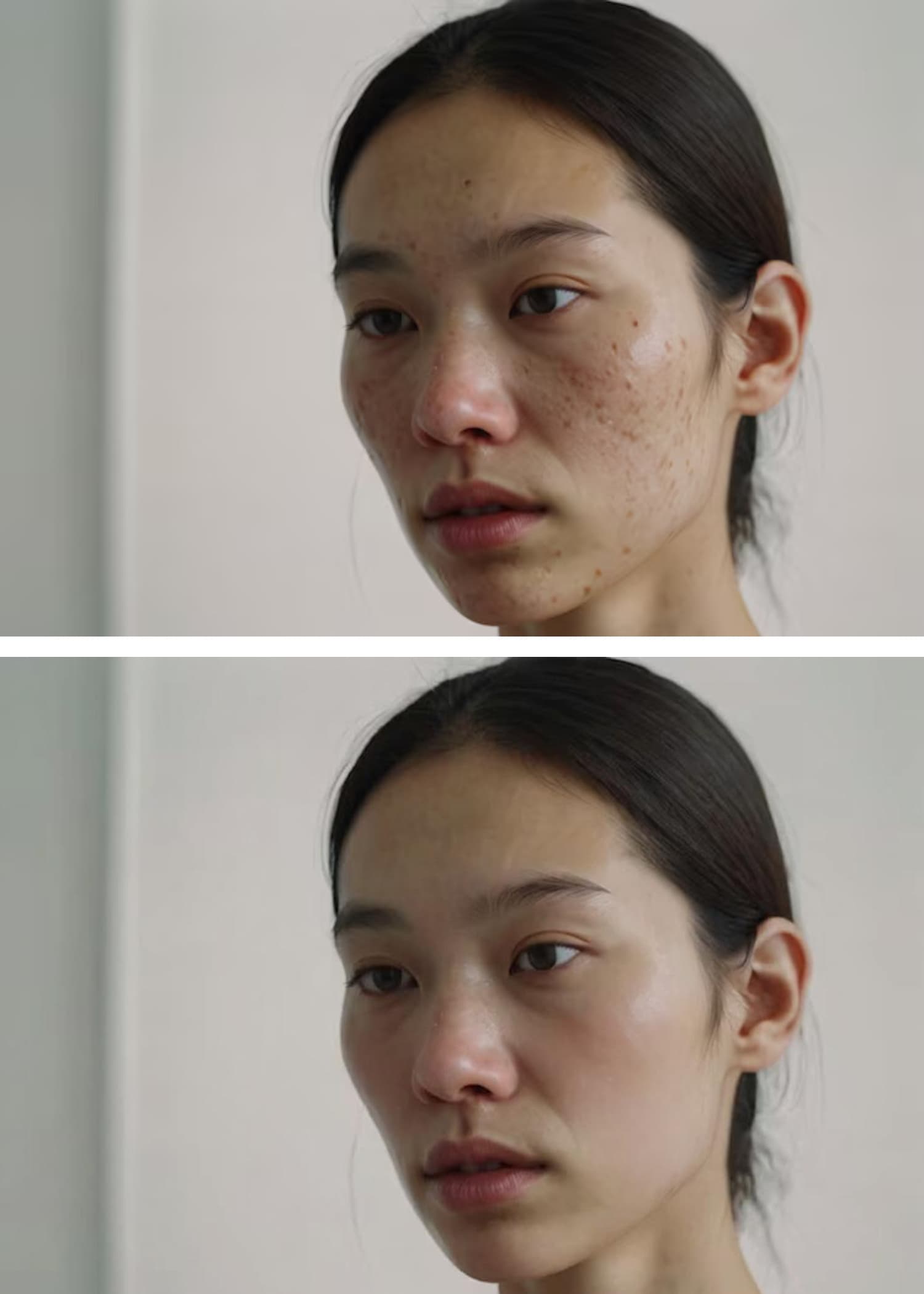
AI Blemish Remover
Achieve flawless skin in portraits. Instantly clears away acne, pimples, and skin imperfections for a smooth, professional finish.
Guida rapida all'azione

Carica la tua foto
Clicca sul pulsante "Carica immagine" e seleziona l'immagine che desideri modificare. La nostra Rimozione Oggetti AI accetta tutti i principali formati, inclusi JPG, PNG e WEBP.

Descrivi l'oggetto da rimuovere
Nella casella di testo, digita semplicemente una descrizione chiara dell'oggetto che vuoi cancellare. La nostra AI è progettata per comprendere il linguaggio naturale.<br><br><strong>Ad esempio:</strong> Invece di tracciare attentamente una persona, scrivi solo "persona con la giacca rossa".<br><strong>O per un oggetto che distrae:</strong> Scrivi "cestino sul marciapiede".
Clicca su 'Rimuovi' e Scarica
Premi il pulsante "Rimuovi" e guarda la nostra AI identificare e cancellare con precisione l'oggetto specificato, ricostruendo perfettamente lo sfondo dietro di esso. Scarica la tua immagine perfezionata ad alta risoluzione.
Perché sceglierci? Il vantaggio basato sul testo
| Caratteristica | La nostra Rimozione Oggetti AI | Editor Tradizionali |
|---|---|---|
| Metodo | Semplici Prompt di Testo Scrivi "l'auto blu" per rimuoverla. Intuitivo e veloce. | Pennellata Manuale Richiede di "dipingere" noiosamente sopra un oggetto con il mouse o il dito. |
| Precisione | Identificazione Potenziata dall'AI L'AI seleziona con precisione l'oggetto in base alla tua descrizione, evitando errori. | Mano ferma / Errore utente È facile passare accidentalmente il pennello su parti della foto che vuoi mantenere o mancare parti dell'oggetto. |
| Curva di apprendimento | Nessuna Se sai scrivere, puoi usare il nostro strumento. È così semplice. | Ripida Imparare a usare timbri clone, pennelli correttivi e livelli in software come Photoshop richiede pratica. |
| Tecnologia | AI Generativa Avanzata Comprende il contesto e gli oggetti per creare uno sfondo realistico e continuo. | Strumenti Clone/Sfumino Base Spesso risulta in macchie sfocate o motivi ripetitivi che sembrano innaturali. |
Scrivi "l'auto blu" per rimuoverla. Intuitivo e veloce.
Richiede di "dipingere" noiosamente sopra un oggetto con il mouse o il dito.
L'AI seleziona con precisione l'oggetto in base alla tua descrizione, evitando errori.
È facile passare accidentalmente il pennello su parti della foto che vuoi mantenere o mancare parti dell'oggetto.
Se sai scrivere, puoi usare il nostro strumento. È così semplice.
Imparare a usare timbri clone, pennelli correttivi e livelli in software come Photoshop richiede pratica.
Comprende il contesto e gli oggetti per creare uno sfondo realistico e continuo.
Spesso risulta in macchie sfocate o motivi ripetitivi che sembrano innaturali.
Consigli per ottenere i migliori risultati
Be Specific and Descriptive
The more detail you provide, the better the AI identifies the correct object. Try 'remove the man in the blue hat' instead of just 'remove the man'.
Use Colors, Shapes, and Textures
Help the AI lock onto your target by including visual characteristics. Example: 'erase the round, wooden table' or 'remove the yellow flower'.
Describe the Position
If there are multiple similar objects, specify the location. Example: 'remove the bird on the left' or 'delete the car in the background'.
Remove One Object at a Time
For the cleanest results, focus on a single object per command. Run multiple commands sequentially for complex edits.
Rephrase If Needed
If the first result isn't perfect, try describing the object differently. The AI may understand an alternative description better.
Use Visual Cues
You can also use visual cues to guide the model to focus on particular regions for targeted changes.
Domande Frequenti (FAQ)
Everything you need to know before removing your first object
Explore More AI Tools
Powerful image utilities that work seamlessly together
AI Image Generator
Create stunning images from text descriptions alone.
AI Photo Editor
Edit, retouch, and enhance existing photos with AI precision.
AI Image Enhancer
Boost clarity, color, and detail in low-quality images.
Background Remover
Instantly isolate subjects with transparent or solid backgrounds.
AI Headshot Generator
Create professional headshots from casual photos in seconds.
Image to Video AI
Bring your static images to life with AI-powered motion.