انقر أو اسحب
نظّف صورك من العناصر غير المرغوب فيها باستخدام أمر نصي بسيط
هل سئمت من الأشخاص الذين يفسدون لقطاتك المثالية أو الأشياء المشتتة للانتباه؟ تتيح لك أداة إزالة الأشياء بالذكاء الاصطناعي الخاصة بنا مسح أي عنصر غير مرغوب فيه من صورك بمجرد وصفه.
اجعل صورك مثالية في أي مناسبة
Six powerful ways to clean up your images
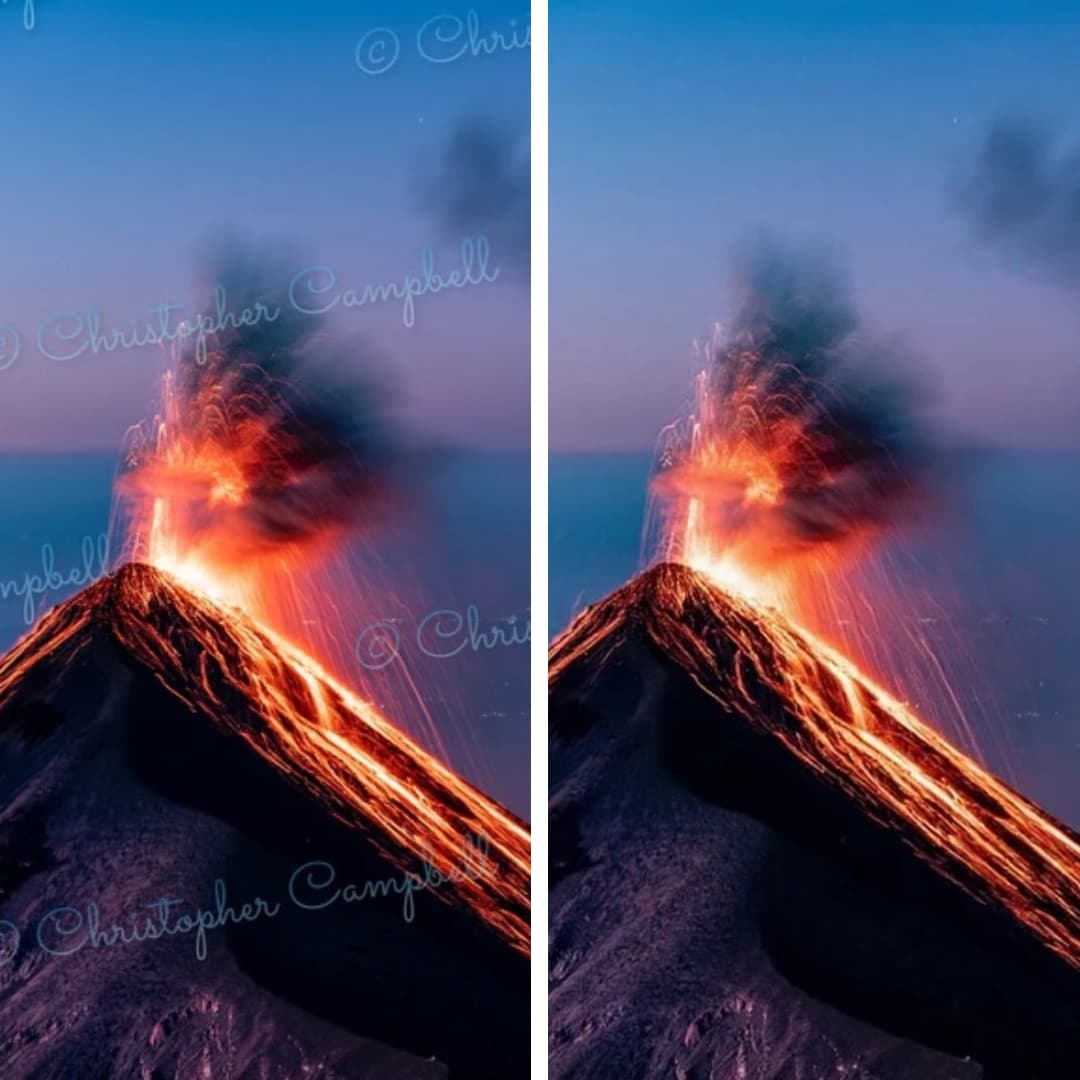
Remove Watermark from Photo
Restore your images to their original state. Seamlessly removes any watermark and reconstructs background details.
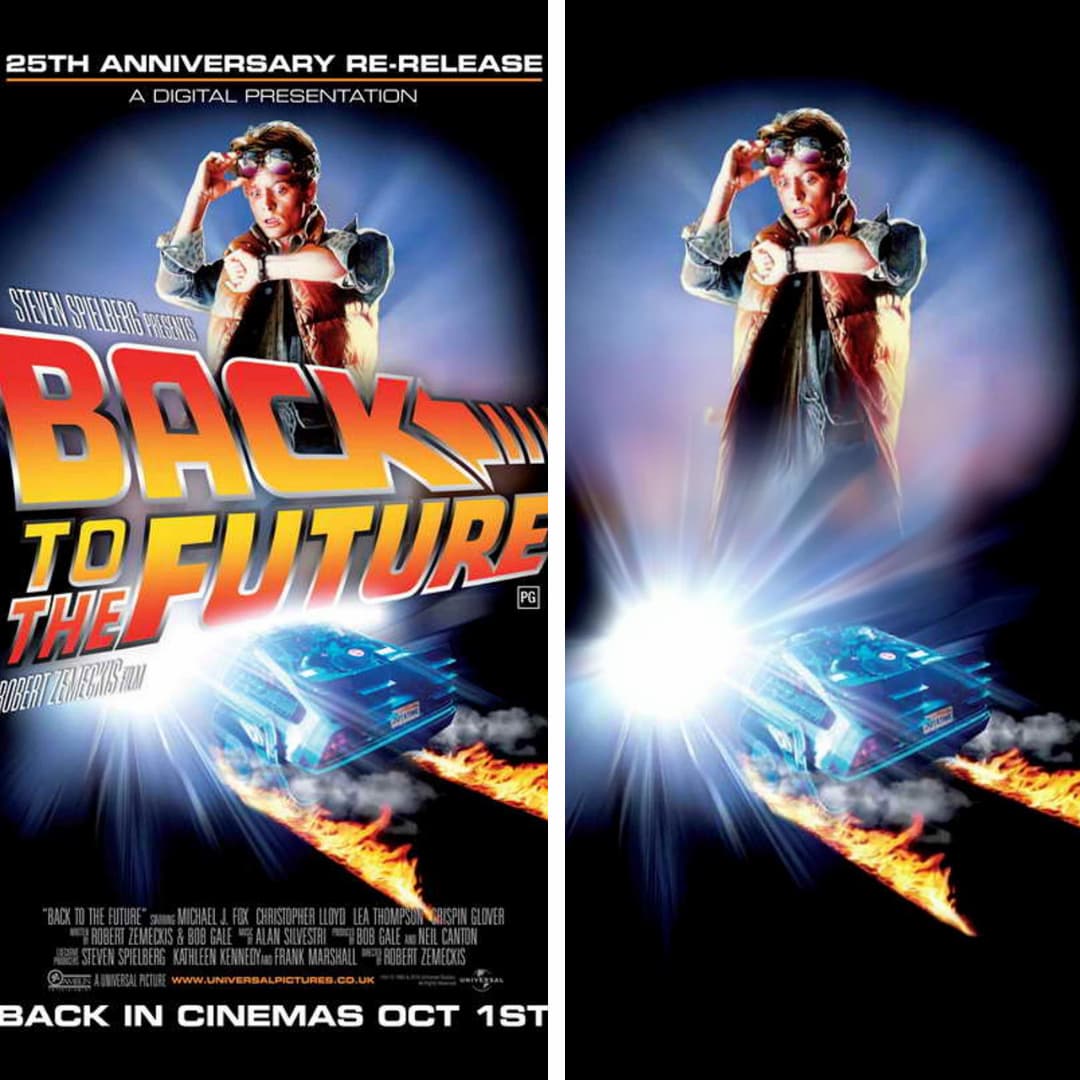
Remove Text from Image
Easily erase unwanted captions, dates, logos, or any other text from your images. Perfect for clean visuals.
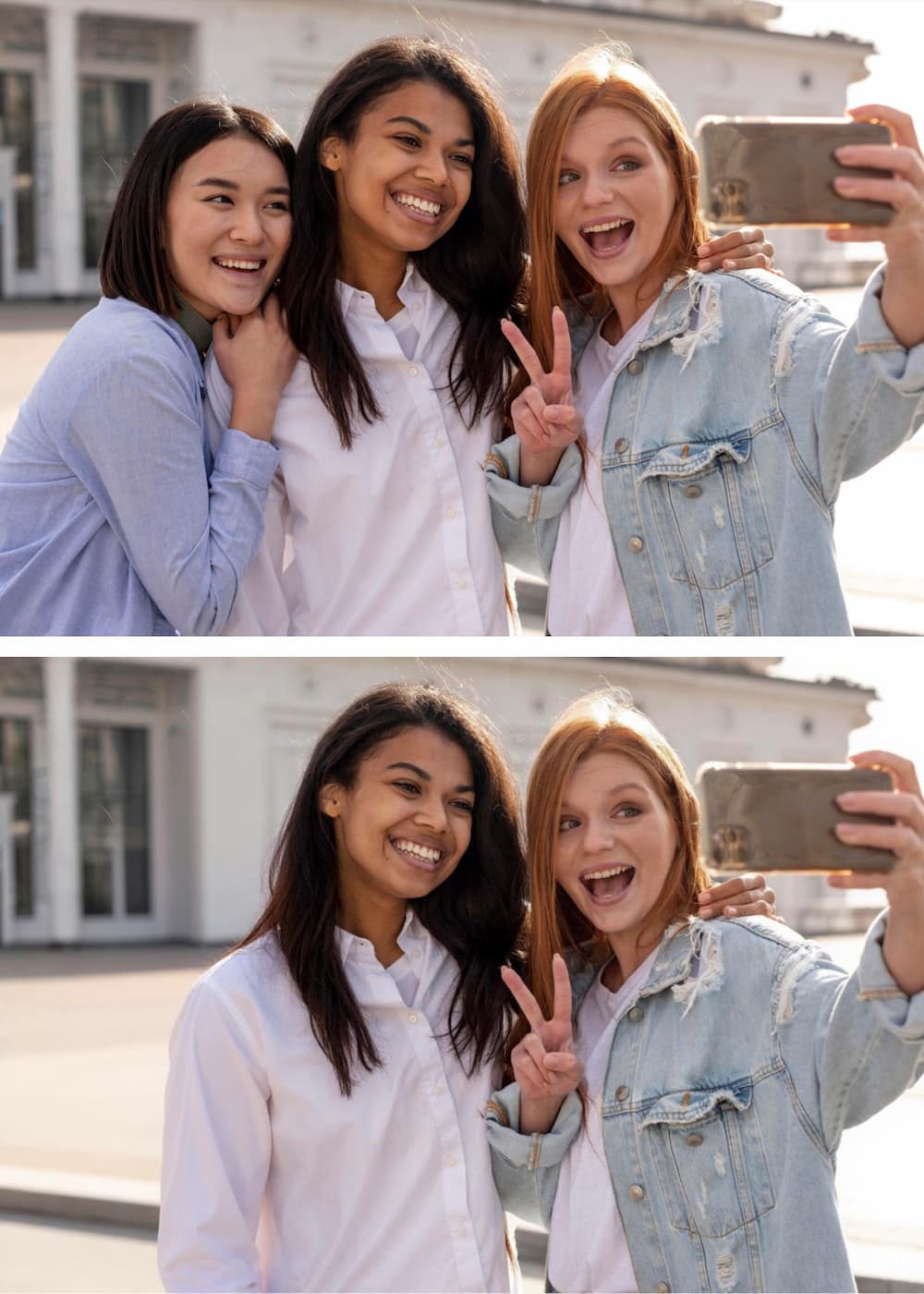
Remove Person from Photo
Get the perfect shot by removing unwanted people. Our AI fills in the background so accurately, it looks like they were never there.
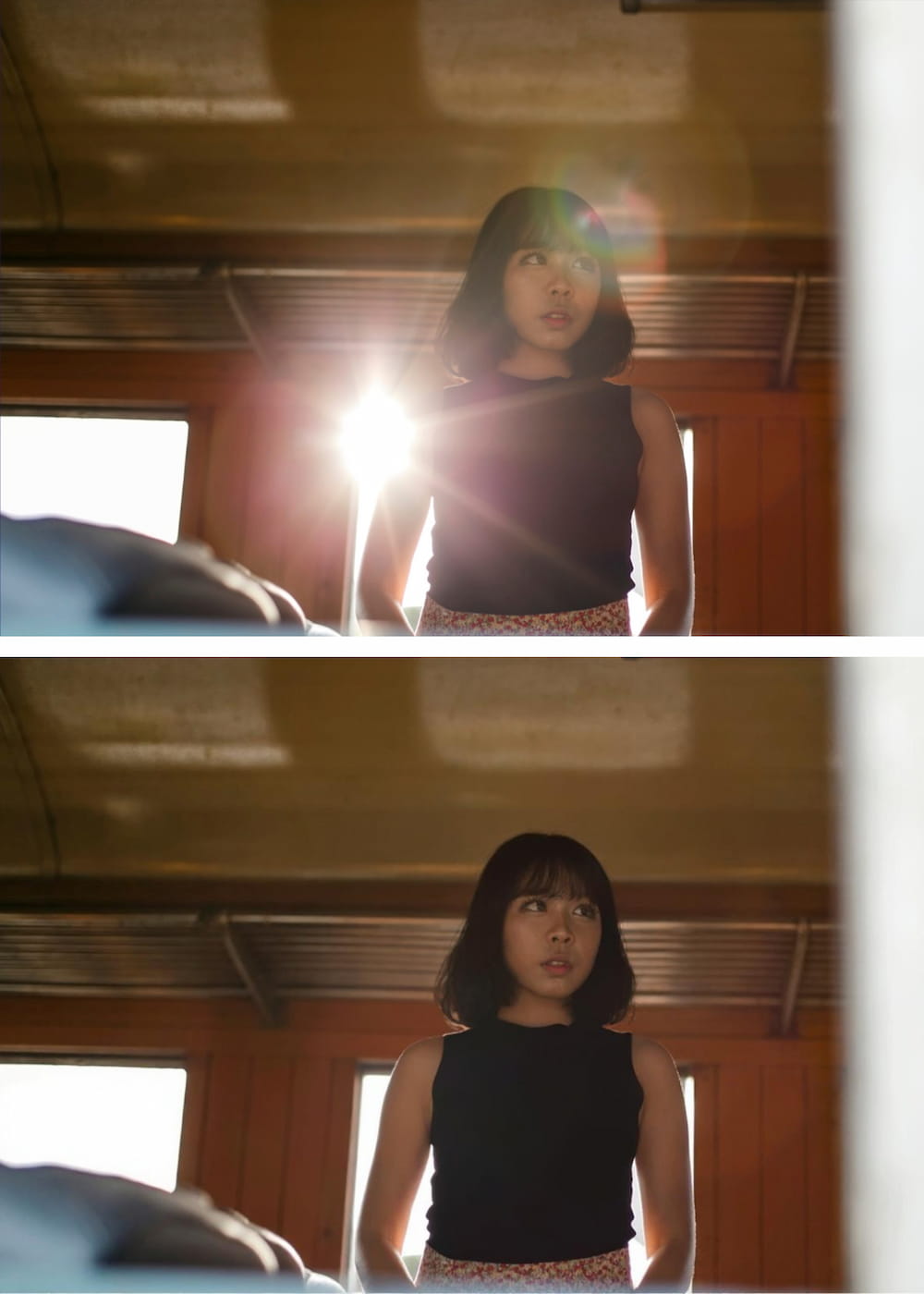
Remove Glare from Photo
Fix photos affected by harsh lighting. Digitally remove or reduce distracting light glares and reflections from glass or metal.
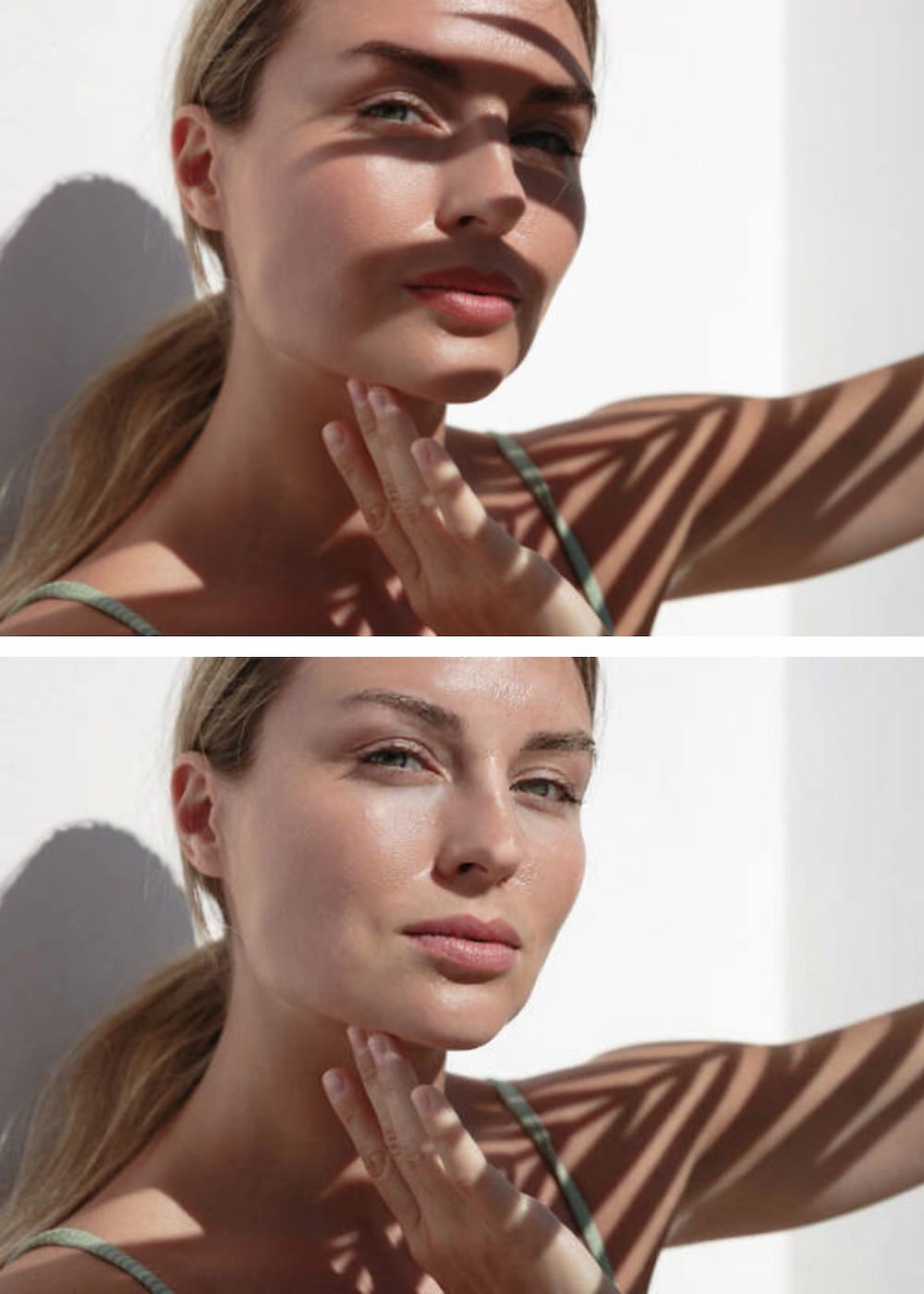
Remove Shadow from Photo
Correct unflattering or distracting shadows from subjects or backgrounds. AI analyzes lighting for a balanced, natural look.
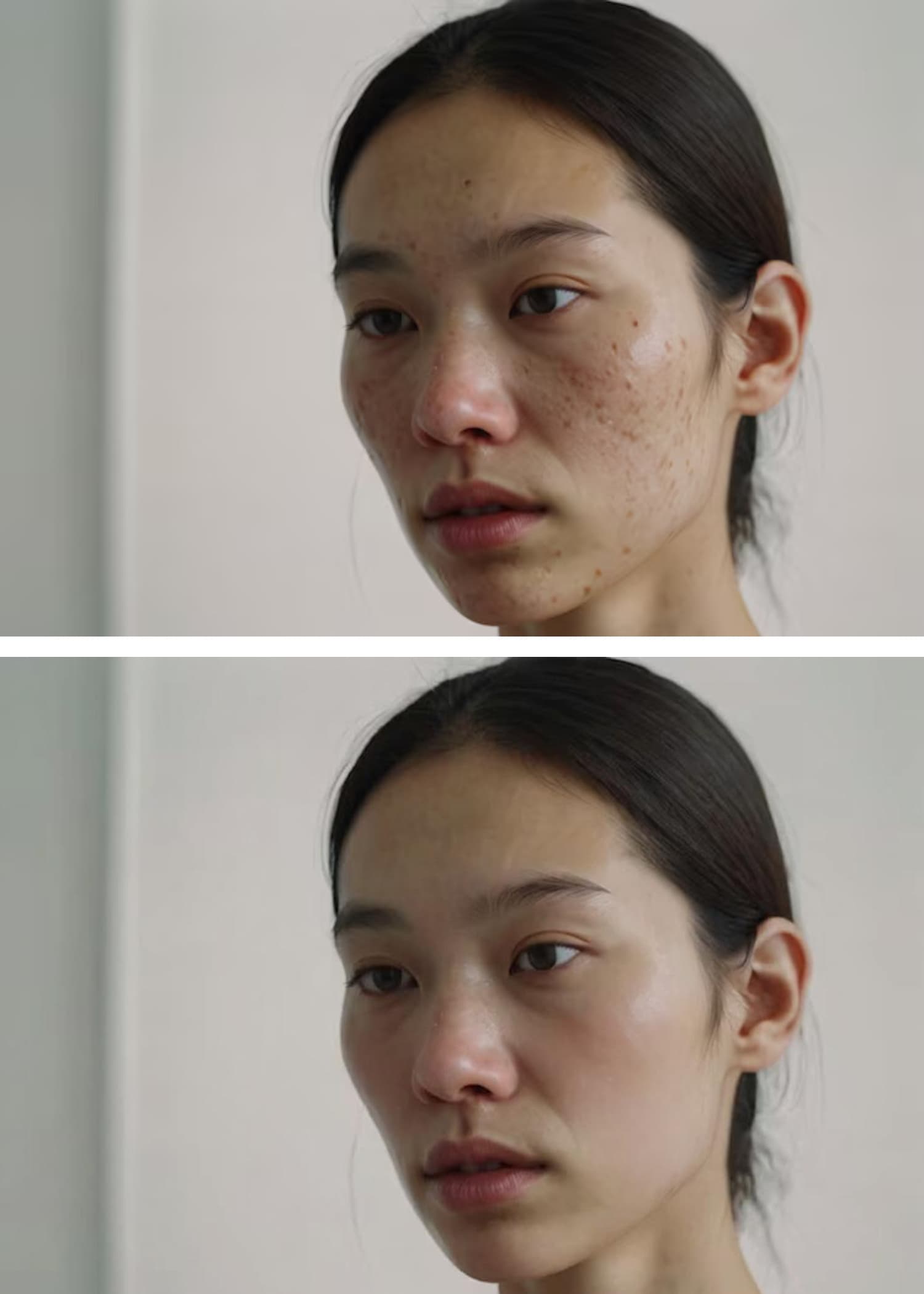
AI Blemish Remover
Achieve flawless skin in portraits. Instantly clears away acne, pimples, and skin imperfections for a smooth, professional finish.
دليل البدء السريع

ارفع صورتك
انقر على زر "رفع الصورة" وحدد الصورة التي تريد تعديلها. تقبل أداة إزالة الأشياء بالذكاء الاصطناعي الخاصة بنا جميع التنسيقات الشائعة، بما في ذلك JPG و PNG و WEBP.

صِف الشيء المراد إزالته
في مربع النص، اكتب ببساطة وصفاً واضحاً للعنصر الذي تريد مسحه. تم تصميم الذكاء الاصطناعي لدينا لفهم اللغة الطبيعية.<br><br><strong>على سبيل المثال:</strong> بدلاً من تحديد شخص ما يدوياً، فقط اكتب "الشخص الذي يرتدي السترة الحمراء".<br><strong>أو لشيء مشتت:</strong> اكتب "سلة المهملات على الرصيف".
انقر على 'إزالة' وقم بالتنزيل
اضغط على زر "إزالة" وشاهد كيف يقوم الذكاء الاصطناعي بتحديد ومسح العنصر المحدد بدقة، وإعادة بناء الخلفية وراءه بسلاسة تامة. قم بتنزيل صورتك المثالية عالية الدقة.
لماذا تختارنا؟ ميزة التحرير المستند إلى النص
| الميزة | أداتنا بالذكاء الاصطناعي | المحررات التقليدية |
|---|---|---|
| الطريقة | أوامر نصية بسيطة اكتب "السيارة الزرقاء" لإزالتها. بديهي وسريع جداً. | التحديد اليدوي بالفرشاة يتطلب منك "الرسم" فوق العنصر بشكل متعب باستخدام الماوس أو إصبعك. |
| الدقة | تحديد مدعوم بالذكاء الاصطناعي يحدد الذكاء الاصطناعي العنصر بدقة بناءً على وصفك، متجنباً الأخطاء البشرية. | يد غير ثابتة / خطأ المستخدم من السهل جداً التحديد بالخطأ على أجزاء من الصورة تريد الاحتفاظ بها، أو تفويت أجزاء من الهدف. |
| منحنى التعلم | لا يوجد إذا كنت تستطيع الكتابة، يمكنك استخدام أداتنا. الأمر بهذه البساطة. | شديد الانحدار تعلم استخدام أدوات الاستنساخ وفرش المعالجة والطبقات في برامج مثل فوتوشوب يتطلب تدريباً طويلاً. |
| التكنولوجيا | ذكاء اصطناعي توليدي متقدم يفهم السياق والأشياء لإنشاء خلفية سلسة وواقعية تماماً. | أدوات استنساخ/تلطيخ أساسية غالباً ما تؤدي إلى بقع ضبابية أو أنماط متكررة تبدو غير طبيعية. |
اكتب "السيارة الزرقاء" لإزالتها. بديهي وسريع جداً.
يتطلب منك "الرسم" فوق العنصر بشكل متعب باستخدام الماوس أو إصبعك.
يحدد الذكاء الاصطناعي العنصر بدقة بناءً على وصفك، متجنباً الأخطاء البشرية.
من السهل جداً التحديد بالخطأ على أجزاء من الصورة تريد الاحتفاظ بها، أو تفويت أجزاء من الهدف.
إذا كنت تستطيع الكتابة، يمكنك استخدام أداتنا. الأمر بهذه البساطة.
تعلم استخدام أدوات الاستنساخ وفرش المعالجة والطبقات في برامج مثل فوتوشوب يتطلب تدريباً طويلاً.
يفهم السياق والأشياء لإنشاء خلفية سلسة وواقعية تماماً.
غالباً ما تؤدي إلى بقع ضبابية أو أنماط متكررة تبدو غير طبيعية.
نصائح للحصول على أفضل النتائج
Be Specific and Descriptive
The more detail you provide, the better the AI identifies the correct object. Try 'remove the man in the blue hat' instead of just 'remove the man'.
Use Colors, Shapes, and Textures
Help the AI lock onto your target by including visual characteristics. Example: 'erase the round, wooden table' or 'remove the yellow flower'.
Describe the Position
If there are multiple similar objects, specify the location. Example: 'remove the bird on the left' or 'delete the car in the background'.
Remove One Object at a Time
For the cleanest results, focus on a single object per command. Run multiple commands sequentially for complex edits.
Rephrase If Needed
If the first result isn't perfect, try describing the object differently. The AI may understand an alternative description better.
Use Visual Cues
You can also use visual cues to guide the model to focus on particular regions for targeted changes.
الأسئلة الشائعة (FAQ)
Everything you need to know before removing your first object
Explore More AI Tools
Powerful image utilities that work seamlessly together
AI Image Generator
Create stunning images from text descriptions alone.
AI Photo Editor
Edit, retouch, and enhance existing photos with AI precision.
AI Image Enhancer
Boost clarity, color, and detail in low-quality images.
Background Remover
Instantly isolate subjects with transparent or solid backgrounds.
AI Headshot Generator
Create professional headshots from casual photos in seconds.
Image to Video AI
Bring your static images to life with AI-powered motion.